Pricing
The New AI-Powered Messaging Assistant with LifeSaver

The Fastest Way to Connect With Your Customers

Automate pickup notifications, send payment links, and answer customer questions, all via text from your dashboard. Customers respond in minutes, not days.

Stop playing phone tag with your customers

Skip the "is my order ready?" calls. Text pickup alerts and payment links straight from LifeSaver in just a few clicks.

circle-check

Turn on a status notification

In Production, click Manage Status, then Manage next to a status like Ready for Pickup. Turn on Send Notification or Send Review Link.

circle-check

Text at every status

Move an order to a status you've turned on, like Ready for Pickup. A pop-up appears with your customer's phone number filled in. Choose to send it as a text.

circle-check

Send a payment link

Open an invoice in Invoices and Payments, click Other, then choose Send Online Payment Link. The same pop-up appears so you can send it by text.
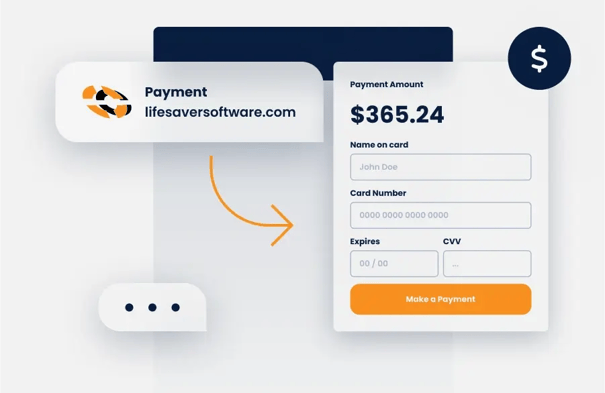
pay by text
TEXT-TO-PAY

Collect payment faster and easier than ever

  • Send a payment link via text
  • Customer pays from their phone
  • Flexibility and convenience for both parties
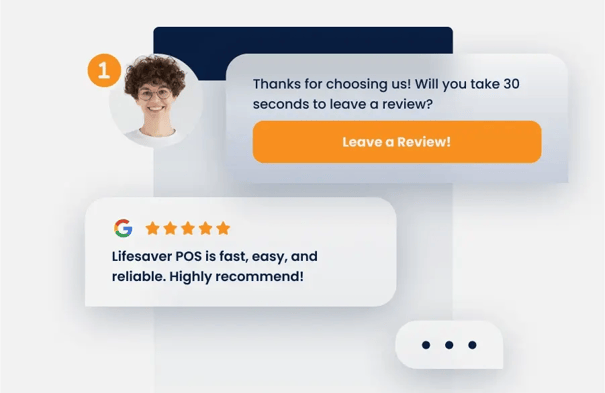
text review
MARKETING TOOLS

Personalized communication to keep customers engaged

  • Request reviews
  • Send quotes and receipts via text
  • Notifications keep customers updated

290 frame shops are already texting customers

9,100

Messages sent every month

2,400

Pickup notifications automated monthly

90%

Of customers respond within minutes

See Messaging Assistant in Action

*New* in Messaging Assistant

Reputation Management

Manage your Google reputation right from your LifeSaver dashboard. To get started, select Reputation Management on your homepage, then Connect with Google.

Check

Ask for reviews via text

Text a Google review link to happy customers. You choose who gets one.

Check

Keep tabs on feedback

See every Google review in one place, along with your star rating and total over time.

Check

Reply in seconds

Get an AI-drafted response you can edit, so you can reply between orders without starting from scratch.
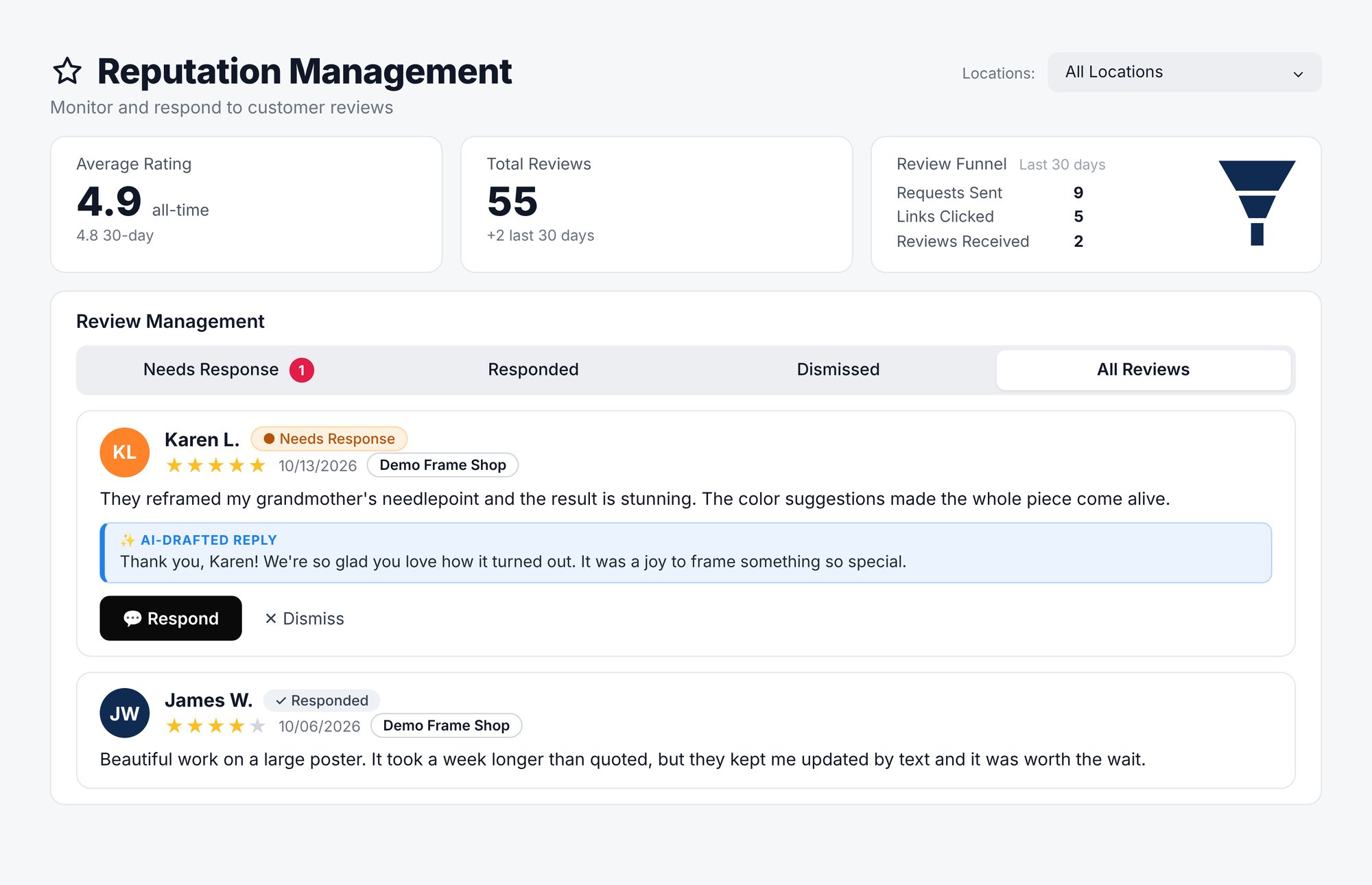

Reputation Management
Bulk SMS

Need to reach your entire customer list at once?

Bulk SMS is designed for you to do just that, send a sale, share your holiday hours, or let customers know about new arrivals, all with a single text.

LifeSaver Bulk SMS

Here's how it works:

Step 1: Create your message

Pick a ready-made Starter Campaign for popular sales and events, describe what you're promoting and let AI draft it, or write your own message from scratch.

Step 2: See exactly who you're reaching

Check your total recipients and who's opted out, so you know exactly who's getting the message.

Step 3: Send now or schedule for later

Send immediately, or pick a date and time. We apply compliant sending windows automatically.

Step 4: Track every message

See the status of every text in real time, from queued to delivered.

"Messaging Assistant saves me 1-2 hours every week—time I can spend with customers instead of leaving voicemails."

Chad Merrihew, Partners Art & Framing

Frequently Asked Questions

What is the difference between Bulk SMS and Messaging Assistant?

How do I start sending text messages to my customers?

Messaging Assistant is built into your LifeSaver account, so there's nothing to install. To send your first text:

  • Choose when pickup alerts go out.
    From your Home page, click Production, then Manage Status. Click Manage next to a status like Ready for Pickup and check Send Digital Notification to Customer When Moved to This Status.
  • Send a payment link or invoice.
    From Invoices and Payments, click Other on any invoice, then choose Send Online Payment Link or Send Digital Invoice.


You can find more details in our knowledge base article.

Can I text with my customers and receive their replies?

Can I use the Messaging Assistant on my mobile device?

I'm not a current LifeSaver customer, how can I get started?

Is there an added cost for Bulk SMS?